Edit Text in Image Online
The fastest free way to edit text in image files online — JPG, PNG, WebP, receipts, posters, or screenshots. Click any word to edit, replace, or add text and match the same font, colour, and size. No Photoshop, no signup, no watermark.
Drop your image here, or browse
Upload any photo, document, banner, or screenshot to start editing text instantly.
No account required · 100% free local canvas editing
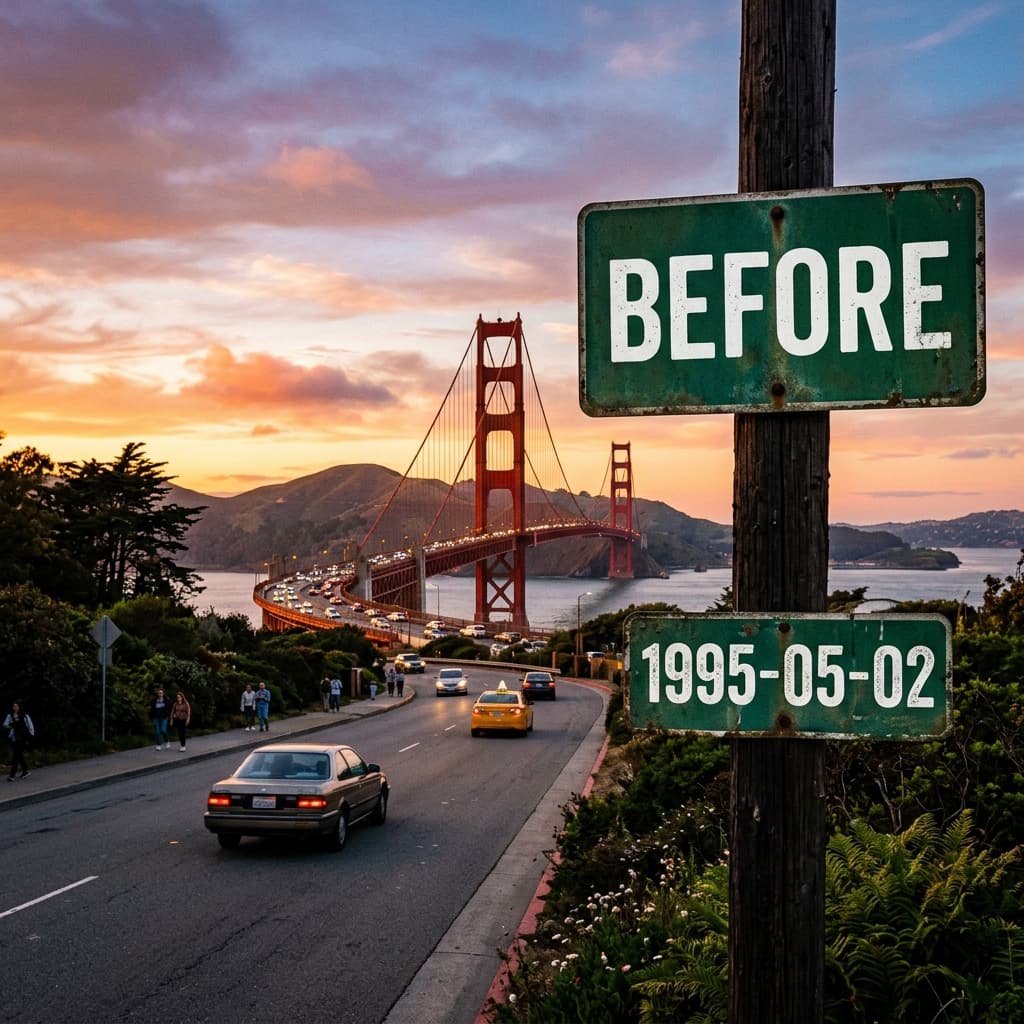

How to Edit Text in an Image in 3 Steps
Learn how to edit text in an image online — no software, no design skills, and no watermark. It works the same on JPG, PNG, WebP, and screenshots.
- 1
Upload your image
Drag and drop any JPG, PNG, WebP, or GIF into the editor above. Everything runs locally in your browser, so your image never leaves your device.
- 2
Edit or replace the text
Click any word to edit the text in place, replace it, or add a new layer. The AI Font Matcher helps you edit text in the image with the same font, colour, and size as the original.
- 3
Export your image
Download a full-resolution JPG or PNG with your edited text — 100% watermark-free and free for personal or commercial use.
Pxlify is a free online alternative to editing text in an image with Photoshop, Canva, or Photopea — nothing to install, and it works on desktop and mobile.
Everything You Need to Edit Text in Images
A complete AI toolset to edit text in image files, replace words with the same font, clean watermarks, match typography, and translate signs — all in your browser, no Photoshop required.
AI Text Replacement
Detect and edit text in any JPEG, PNG, or WebP image — replace words on photos, signboards, posters, and documents with AI while keeping the original design intact.
AI Font Matcher
Automatically analyse and suggest font families, weights, and letter-spacing so you can edit text in an image with the same font as the original.
Background Restoration
Intelligently preserve textures, gradients, and natural lighting underneath edited text for seamless blends.
Precision Alignment
Use snapping grids, rotation handles, and pixel-precise alignment controls for professional layout results.
Watermark & Text Eraser
Cleanly remove unwanted timestamps, dates, logos, or caption overlays without damaging background quality.
Multi-Language Editing
Add and edit text in over 20+ global languages with localized font support for Latin, Cyrillic, Asian scripts and more.
100% In-Browser Privacy
Edits are processed locally in your browser canvas. No files leave your machine.
Instant High-Speed Export
No queue or processing wait times. Export full uncompressed PNG files in milliseconds.
Zero Watermark Guaranteed
All exported images are clean and professional without mandatory logos or branding.
Works Everywhere
Compatible with Chrome, Safari, Firefox, Edge, iPadOS, iOS, and Android browsers.
Frequently Asked Questions
Everything you need to know about how to edit text in an image online with Pxlify.